
Choosing the right industrial panel PC requires more than selecting a CPU and screen size. Engineers and system integrators need to evaluate the working environment, protection level, computing performance, industrial-grade components, I/O requirements, display characteristics, reliability, and long-term product availability.
Unlike commercial touchscreen computers, industrial panel PCs are designed for continuous 24/7 operation in demanding environments such as factory automation, food processing, semiconductor manufacturing, machine vision, and industrial control systems.
A suitable industrial panel PC should not only meet current application requirements but also provide stable performance throughout the entire equipment lifecycle.
1. Understand Application Environment First
The first step when selecting an industrial panel PC is understanding the actual operating environment.
Different industries place different demands on industrial computers. A panel PC used inside a clean factory automation line may require different features from one installed in a food processing washdown area.
| Key Requirements |
|---|
| Stable 24/7 operation, Multiple industrial I/O (RS232/RS485, USB, LAN, GPIO, CAN, etc.) |
| IP65 /IP67/ IP69K Protection & Washdown Resistance, 304 stainless steel enclosure; Aluminum enclosure |
| CPU options (Celeron; i3/ i5/ i7) |
| Wide operating temperature support (-40°C to 70°C / 85°C optional) |
| Support for multiple camera connections; Flexible expansion options (PCIe, M.2, additional I/O) |
| Wide temperature range, high brightness display (500nits~1500nits) |
Understanding the environment first helps avoid selecting a system that is either underpowered or unsuitable for the application.
2. Choose the Right Protection Level: IP65 vs IP67 vs IP69K
The protection rating determines how well an industrial panel PC can withstand dust, moisture, and cleaning processes.
| Protection Rating | Suitable Applications |
|---|---|
| IP65 | General industrial environments with dust and water splash |
| IP67 | Outdoor equipment, humid environments, temporary water immersion |
| IP69K | Food, beverage, pharmaceutical, and high-pressure washdown environments |
For industries requiring frequent cleaning, IP69K protection is especially important. These applications typically require a fully sealed design, corrosion-resistant materials, and a housing capable of handling high-pressure hot-water cleaning.
CESIPC IP69K Panel PCs use SS304 stainless steel construction designed for demanding environments such as food processing and pharmaceutical production.
3. Select an Industrial Motherboard
The motherboard is one of the most important factors affecting industrial computer reliability.
Compared with commercial PC platforms, industrial motherboards are designed for long-term deployment and continuous operation.
Key advantages include:
- Long-term component availability
- Industrial-grade electronic components
- Better EMC protection
- Wider operating temperature support
- Stable 24/7 operation
CESIPC adopt 10layers industrial motherboard

A reliable industrial motherboard reduces system downtime and helps extend equipment service life.
4. Choose the Right CPU Performance
CPU selection should match the actual workload of the application.
Choosing a higher-performance processor is not always better. Excessive performance increases cost and power consumption, while insufficient performance may limit future upgrades.
| Application | Recommended CPU |
|---|---|
| Basic HMI and machine control | Intel Celeron / Pentium |
| Industrial automation systems | Intel Core i3 / i5 |
| Machine vision, AI, and complex processing | Intel Core i7 / GPU solutions |
The right balance between performance, thermal design, and reliability is essential for industrial applications.
5. Check I/O Requirements Before Purchase
Industrial equipment often requires more connectivity than standard computers.
Before selecting a panel PC, confirm the required interfaces:
- USB ports
- RS232 / RS485 serial ports
- LAN ports
- HDMI output
- CAN bus
- GPIO
- PoE
For automation equipment manufacturers, insufficient I/O expansion can create additional hardware modifications and increase integration costs.
6. Select the Right Touchscreen and Display
The display should match the operator environment.
Important considerations include:
- Capacitive or resistive touch technology
- Glove operation support
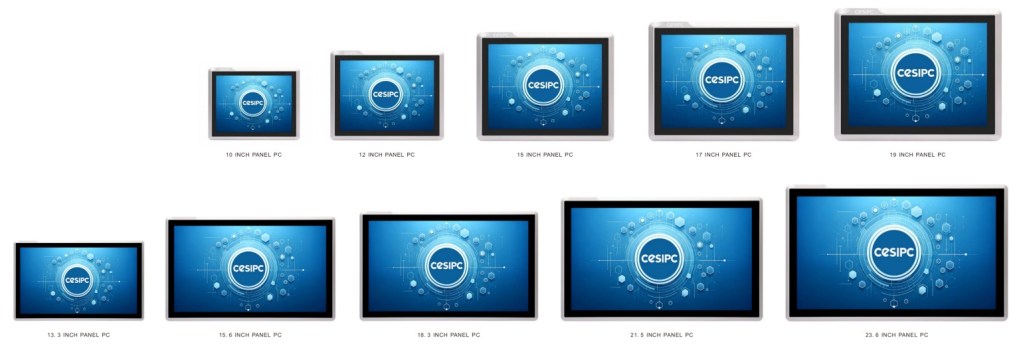
- Screen size requirements; (7inch-24inch)
- Display brightness
- Optical bonding options
- Viewing angle requirements
For outdoor applications or areas with strong lighting, a high-brightness industrial display improves visibility and reduces operator errors.
7. Evaluate Operating Temperature and Reliability
Industrial computers are often installed in environments with temperature changes, vibration, and continuous operation.
Important reliability factors include:
- Fanless thermal design
- Wide temperature operation
- Vibration resistance
- Shock protection
- Burn-in testing
- Industrial SSD reliability
A reliable industrial panel PC is not only defined by its components but also by its mechanical design, thermal management, and manufacturing testing process.
8. Consider Mounting Options and Mechanical Design
Industrial panel PCs must integrate easily into different machines and systems.
Common installation methods include:
- Panel mount
- VESA mount
- Arm mount
- Embedded installation
A flexible mechanical design simplifies installation and future maintenance.
9. Consider Long-Term Supply and Product Lifecycle
Industrial automation projects often operate for many years. Product availability is therefore an important factor when selecting a supplier.
Before purchasing, consider:
- Long-term product availability
- Component lifecycle management
- BIOS support
- Spare parts availability
- Technical support capability
A stable industrial computer supplier helps reduce redesign risks and maintenance costs.
10. Choose a Reliable Industrial Panel PC Manufacturer
Selecting an industrial panel PC manufacturer is not only about comparing specifications and prices.
A reliable supplier should provide:
- Manufacturing capability
- Quality control processes
- Product testing standards
- Customization capability
- Technical support
- Long-term cooperation
CESIPC develops and manufactures industrial computing solutions including fanless Industrial PCs, industrial Panel PCs, and rugged computing systems. Our solutions feature IP65/IP67/IP69K protection, SS304 stainless steel options, and long-term availability for global automation applications.
About CESIPC
CESIPC has been specializing in industrial computers since 2009, providing reliable computing solutions for factory automation, food processing, semiconductor manufacturing, transportation, energy, and smart industrial applications.
With in-house engineering, manufacturing capability, and strict quality control processes, CESIPC supports global customers with customized industrial computing solutions designed for demanding environments.
FAQ
What is the difference between an industrial panel PC and a commercial touchscreen PC?
| Feature | Commercial PC | Industrial Panel PC |
|---|---|---|
| Operation | Designed for daily office use | Designed for 24/7 continuous industrial operation |
| Cooling System | Active fan cooling, requires regular maintenance | Fanless thermal design for dust-free and reliable operation |
| Operating Temperature | Limited temperature range | Wide temperature range for harsh industrial environments |
| Protection Rating | Basic protection, not designed for harsh environments | IP65/IP67/IP69K protection options against dust, water, and washdown |
| Components | Consumer-grade components with shorter lifecycle | Industrial-grade components with long-term availability |
| Vibration & Shock Resistance | Limited resistance | Designed to withstand industrial vibration and shock |
| Lifecycle Support | Short product lifecycle, frequent replacement | Long-term supply, stable hardware platform, easier maintenance |
| Application | Office, retail, general computing | Factory automation, food processing, semiconductor, machine control |
Industrial panel PCs are designed for continuous operation in harsh environments. They typically feature industrial motherboards, fanless cooling systems, wider temperature ranges, stronger mechanical designs, and higher protection ratings compared with commercial touchscreen computers.
How do I choose the right IP rating for an industrial panel PC?
IP65 Panel PC
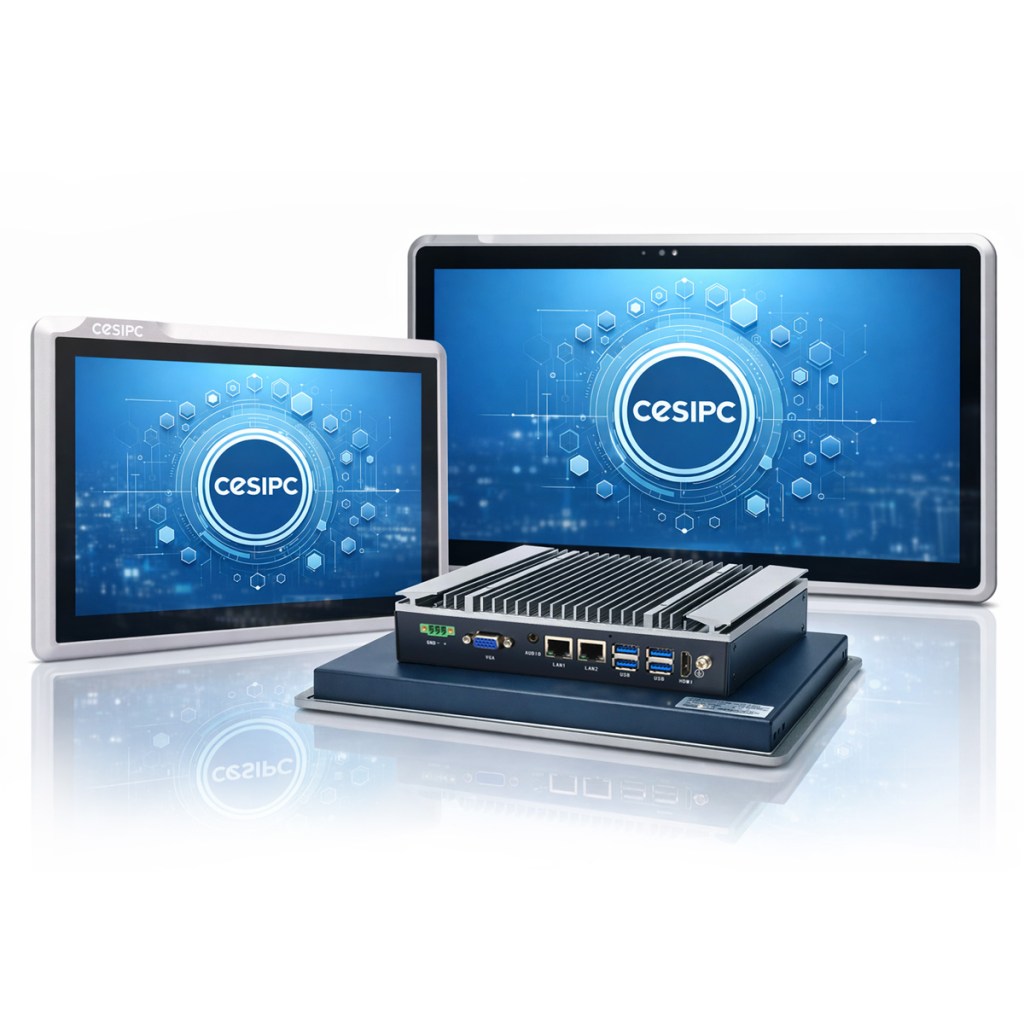

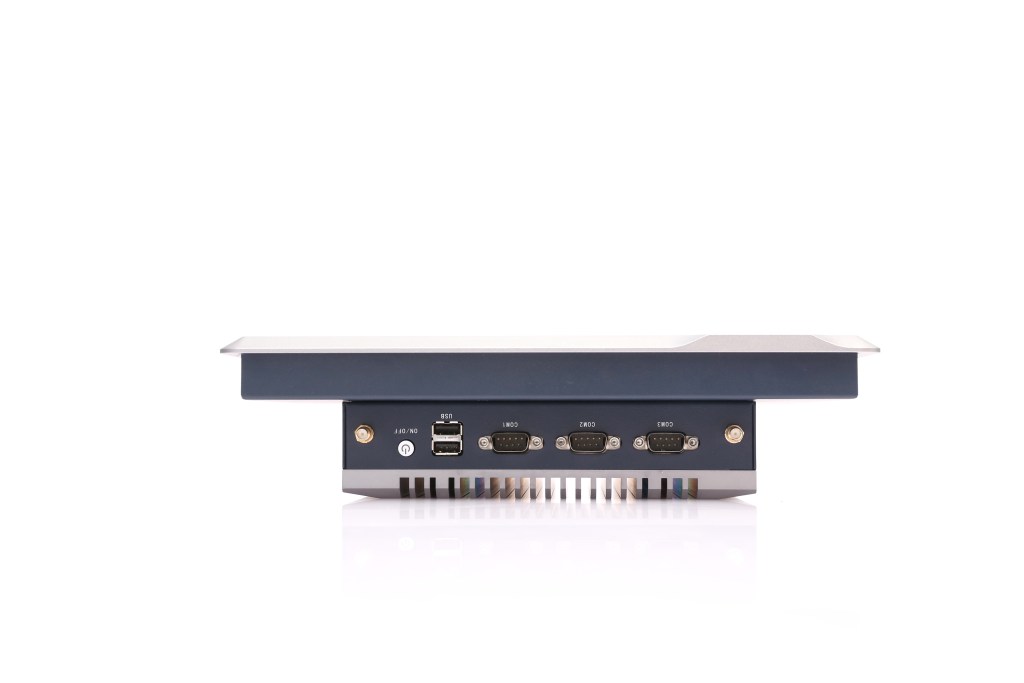
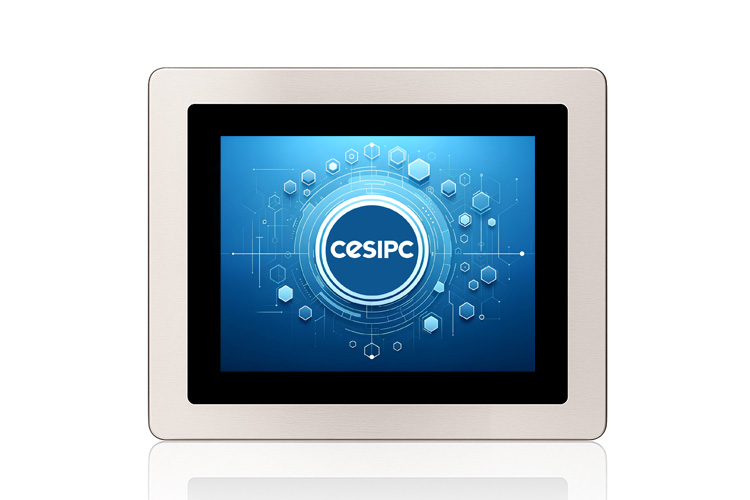
The correct IP rating depends on the application environment. IP65 is suitable for general industrial use, IP67 is better for humid or outdoor environments, while IP69K is recommended for applications requiring frequent high-pressure washdown, such as food processing. Typically, CESIPC G-Series Panel PCs support both IP67 and IP69K protection. Made with a full 304SS stainless steel enclosure, they can be used for washing, water immersion, and harsh industrial environments.
IP67&IP69K Panel PC


How long can an industrial panel PC operate?
The service life depends on hardware quality, operating conditions, thermal design, and maintenance. Industrial-grade panel PCs designed with long-lifecycle components can support many years of continuous operation.
Talk to a CESIPC Engineer
Our application engineers are ready to help you select the right configuration, discuss ODM requirements, or provide a tailored quotation for your project.
Typical response within 24 hours · Multilingual support · CE / FCC / BIS compliant


We use your details only to answer this enquiry — no newsletters, no sharing. Drawings or a photo of the existing panel can be sent to sales@cesipc.com.