
Industrial PCs for logistics and warehousing
Sortation stations need a scan and an HMI in the same unit. AGVs and AMRs need edge compute on a moving platform. Cold-chain terminals need to survive washdown and -20°C. Three different machines.
Where the computers actually sit
In a modern fulfilment centre the industrial PC is not one box in a server room. It is at receiving, at the sorter, on the vehicle, at the cold store door and at the packing bench.
The short version
Sortation and receiving take a panel PC with the RFID reader built in. AGVs and AMRs take a compact fanless box with several isolated LAN ports. Cold stores take full stainless with an IP69K front.
What breaks in a warehouse
Dust from cartons, vibration on the vehicle, condensation moving between freezer and dock, and a scan that fails because the reader and the screen were two separate devices from two vendors.
Three platform families, one per zone
The warehouse is three environments stacked on top of each other. Pick the family by zone, then the model by space.
FrontOps
RFID and HMI in one terminal
The reader, the antenna and the touchscreen are one unit, so operator authentication and the scan happen on the same device at the sorter.
ComputeOps
Edge compute on the vehicle
Compact fanless box PCs with several isolated LAN ports for camera, lidar and fleet Wi-Fi, sized for AGV and AMR platforms.
CleanOps
Stainless for cold chain
Full SUS304 / SUS316 enclosure with an IP69K front, for freezer rooms, washdown areas and the temperature swing at the dock door.
Three models, three zones
One for the sorter, one for the vehicle, one for the freezer.
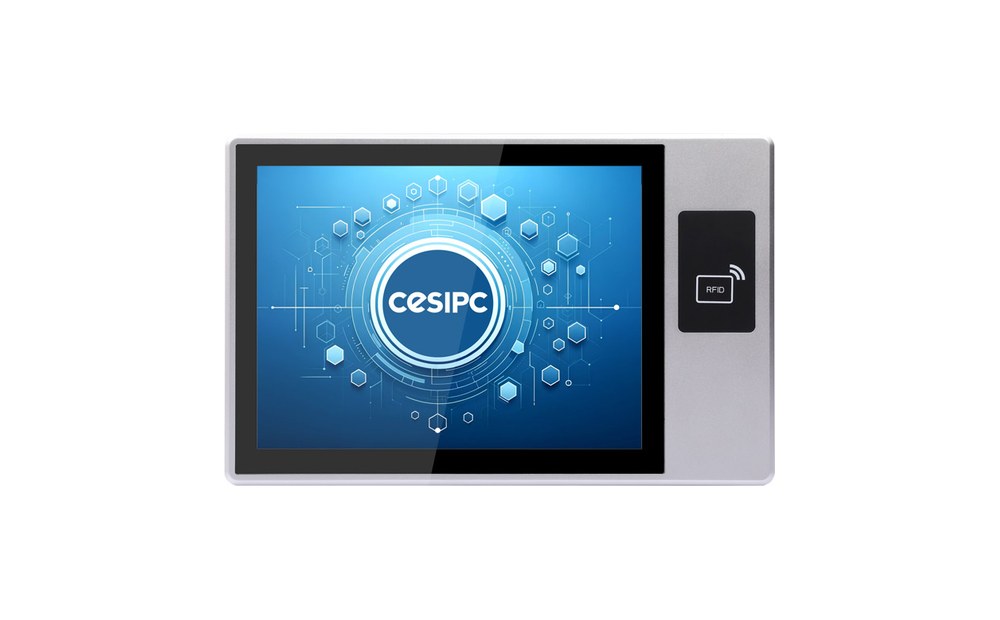
RFID integrated panel PC
Reader, antenna and touchscreen in one unit. Operator badge in, order on screen, no separate reader to mount.
View RFID panel PC →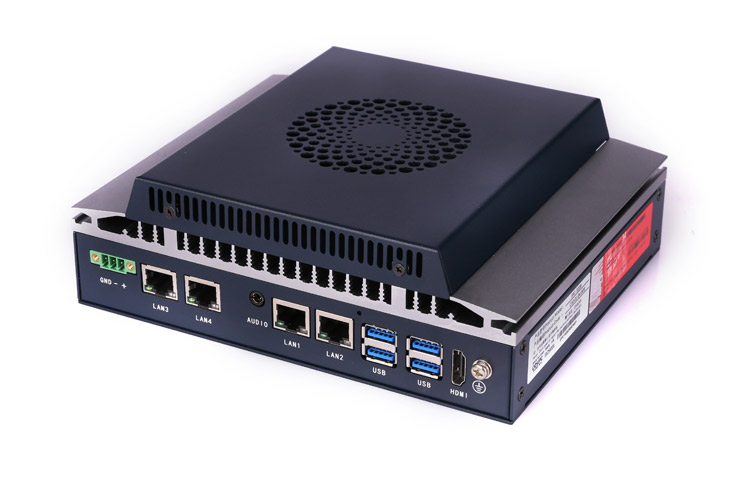
EPC-102B
12th Gen Core in a fanless box with four independent Intel I210 LAN ports for cameras, lidar and fleet network.
View EPC-102B →
CleanOps G-Series
Full stainless enclosure, IP69K and IP67, glove-friendly touch. Handles the swing between freezer and dock.
View G-Series →Three places it has to survive
The sorter, the vehicle and the freezer door fail for completely different reasons.

Sortation and receiving
A parcel sorter runs at line speed. The operator needs the order on screen and the badge scan in the same motion, and the terminal has to sit within arm reach of the chute.
- RFID reader and 10-point touch in one bezel
- Panel mount at the chute, no extra reader cabinet
- Serial or LAN back to the WCS / WMS
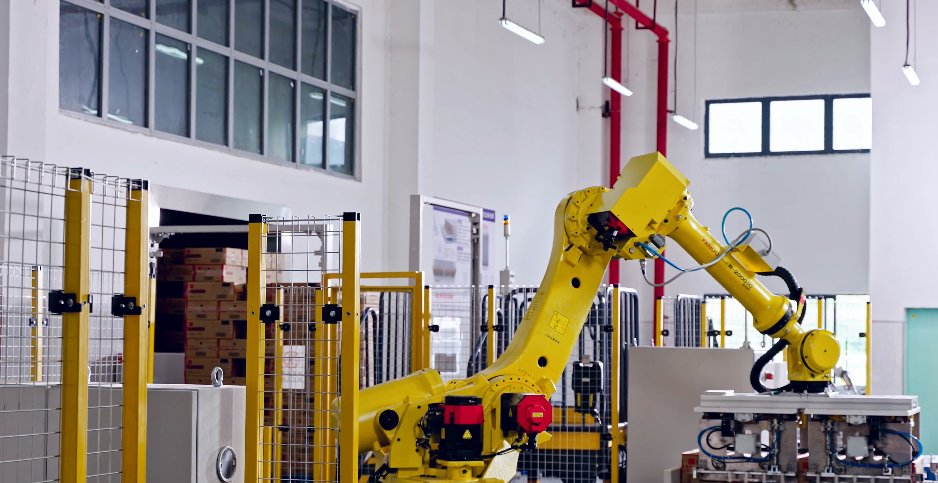
AGV and AMR fleets
A moving platform cannot take a fan-cooled PC with one network port. Cameras, lidar and the fleet access point all need their own isolated link, on 24V vehicle power.
- 4× independent GigE for sensors
- Fanless, shock-tolerant, 9–36V DC input
- BlockCore I/O for CAN and digital signals

Cold chain and dock transition
A freezer room at -20°C and a dock door at +30°C in the same shift. Condensation is the failure mode, not the cold itself.
- Full stainless, IP69K and IP67
- Glove-friendly P-CAP touch
- Anti-condensation airflow design
Frequently asked questions
Short answers. The long versions are in the articles below.
Why put the RFID reader inside the panel PC?+
What does an AGV need that a normal box PC does not?+
Can a standard stainless panel PC go into a freezer?+
How does the terminal talk to the WMS or WCS?+
Logistics and warehousing articles
How these terminals are used at sorters, on vehicles and in cold stores.