



What Is an Industrial PC? Understanding IPC, Industrial Computers, HMI, and Industrial Panel PCs
If you’ve been researching industrial automation hardware, you’ve probably come across many different terms:
- Industrial PC
- IPC
- Industrial Computer
- HMI
- Industrial Panel PC
- Panel PC
- All-in-One Industrial PC
At first glance, they may seem like different products. In reality, many of these terms overlap, and different industries often use different names for similar devices.
This article explains the differences and helps you choose the right industrial computing solution.
What Is an Industrial PC (IPC)?
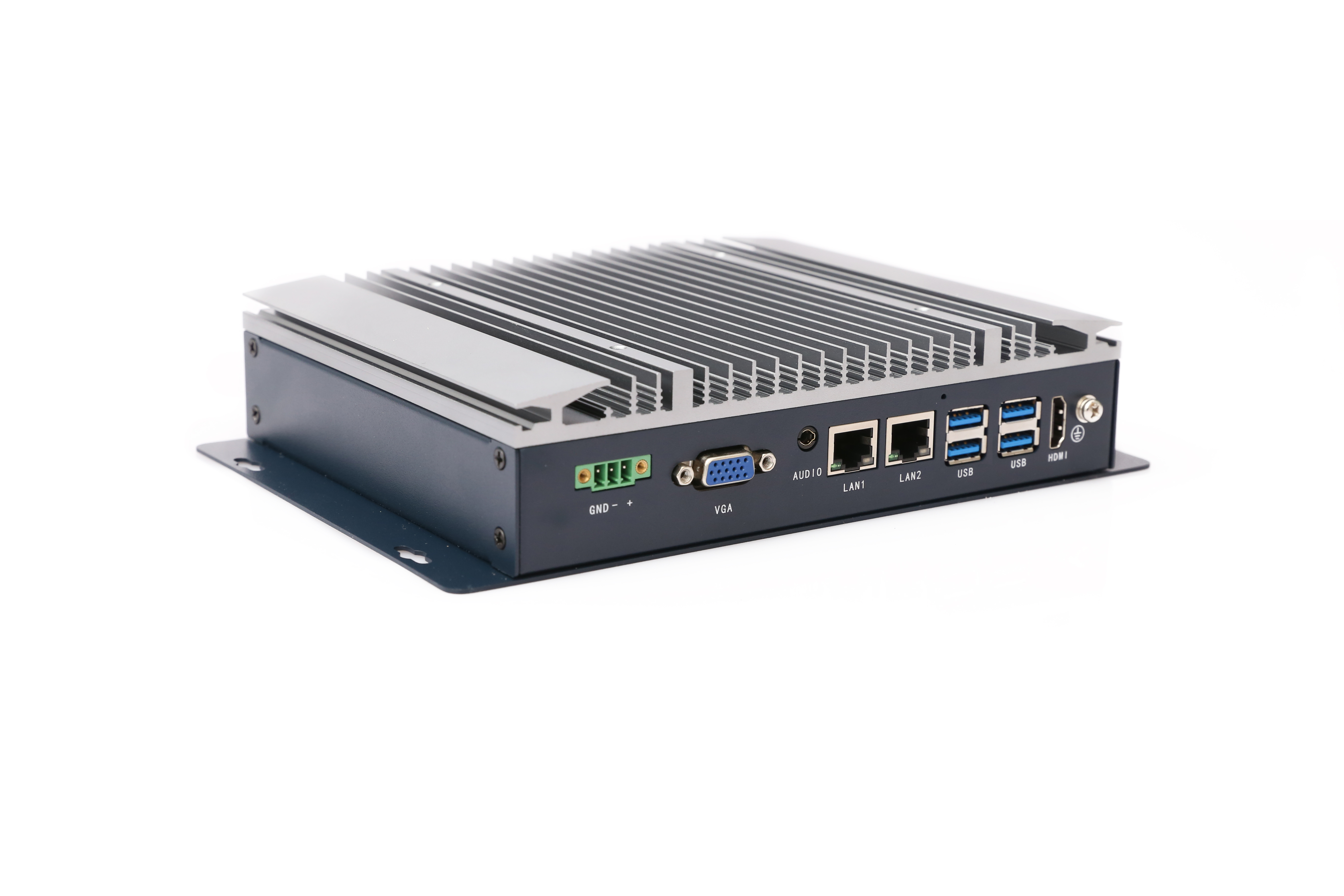
An Industrial PC (IPC) is a computer specifically designed for industrial environments. Unlike office PCs, industrial computers are built to operate reliably in:
- Factory floors
- Manufacturing lines
- CNC machines
- Robotics systems
- Machine vision applications
- Outdoor installations
- Harsh environments with dust, vibration, or temperature fluctuations
Typical industrial PCs feature:
- Fanless cooling
- Wide voltage input (9~36V DC)
- Industrial-grade SSD storage
- Multiple serial ports
- Long product lifecycle
- 24/7 continuous operation capability
Because of their rugged design, IPCs are widely used in automation and smart manufacturing systems.
🔹 Industrial PC Example
Industrial PC vs. Industrial Computer
In most cases, there is no difference. “Industrial PC” and “Industrial Computer” are simply two names for the same category of products. Different regions and industries prefer different terminology:
- Industrial PC is common in Europe and Asia
- Industrial Computer is common in North America
- IPC is the abbreviation used by engineers and system integrators
Therefore, when someone searches for an Industrial Computer, they are usually looking for the same product as an Industrial PC.
What Is an HMI?
HMI stands for Human Machine Interface. An HMI allows operators to interact with industrial equipment through a touchscreen interface. Common HMI functions include:
- Starting and stopping machines
- Viewing machine status
- Monitoring production data
- Adjusting operating parameters
- Displaying alarms and diagnostics
Many automation engineers are familiar with HMI products from companies such as Siemens. However, a traditional HMI is usually not a full Windows computer. It is primarily an operator interface connected to a PLC or control system.
What Is an Industrial Monitor?
An Industrial Monitor is simply a display. It may include touchscreen capability, industrial-grade enclosure, and IP65 front protection. However, it does not contain a processor, memory, or storage. An industrial monitor must be connected to an external industrial PC to function. Think of it as the screen only. No computer is built inside.
What Is an Industrial Panel PC?
An Industrial Panel PC combines Industrial Monitor + Industrial PC into a single integrated device. It includes LCD display, touchscreen, CPU, RAM, storage, and operating system all inside one enclosure. Because everything is integrated, Industrial Panel PCs are easier to install and require less wiring. They are commonly used for:
- MES terminals
- Factory dashboards
- Production monitoring
- Warehouse management systems
- Machine control stations
- Industrial IoT applications
🔹 Industrial Panel PC Example
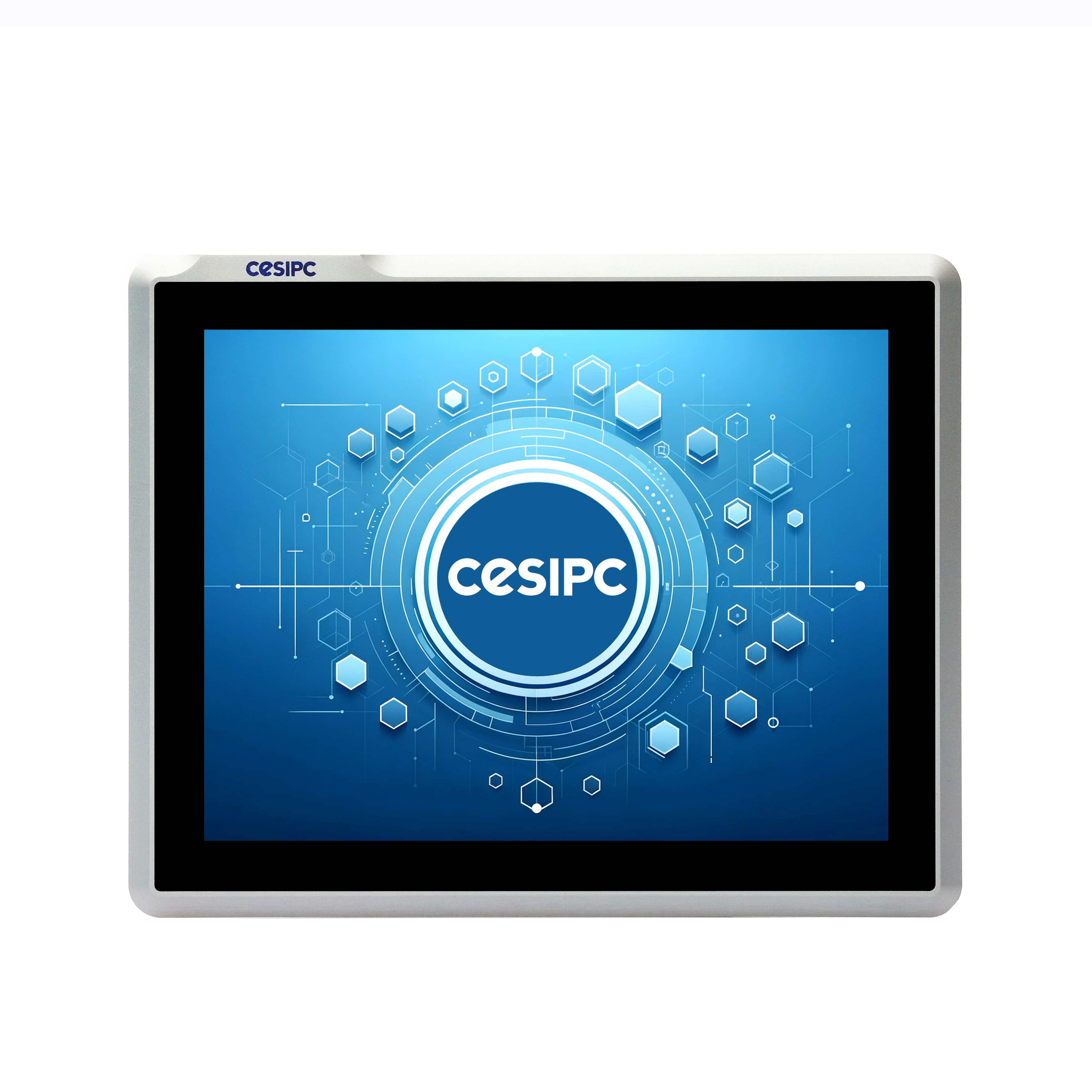
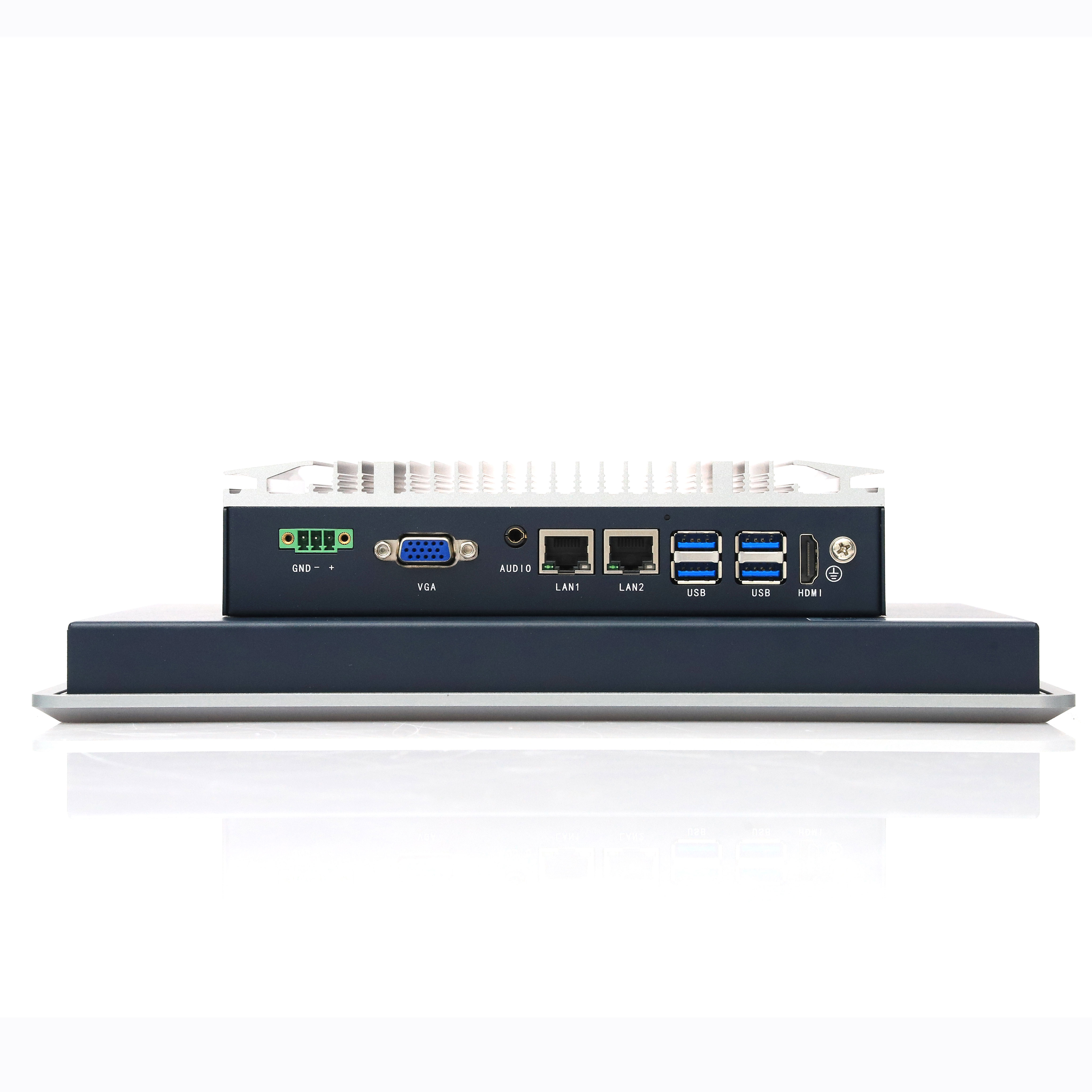
All-in-one touch PC, fanless, IP65 front
Explore Panel PC Series →Why Are Industrial Panel PCs Also Called All-in-One Industrial PCs?
Many manufacturers use different names for the same product: Industrial Panel PC, Panel PC, Industrial All-in-One PC, All-in-One Industrial Computer, Industrial Touch Panel PC. All of these terms generally refer to a computer with a built-in display. Just as a consumer all-in-one desktop combines the monitor and computer into one unit, an Industrial Panel PC integrates industrial computing hardware and a touchscreen display into a single rugged device.
Which One Should You Choose?
The answer depends on your application.
- Choose an Industrial PC if: You already have a display, the computer will be installed inside a control cabinet, or you need maximum flexibility.
- Choose an Industrial Monitor if: You only need a display and computing is handled by another system.
- Choose an Industrial Panel PC if: You need both a computer and touchscreen, space is limited, or you want simpler installation and maintenance.
- Choose an HMI if: Your application only requires machine operation and PLC interaction, and no full PC functionality is needed.
Final Thoughts
The industrial computing market uses many different names, which can be confusing for first-time buyers. A simple way to remember the differences is:
- Industrial PC = Computer only
- Industrial Monitor = Display only
- Industrial Panel PC = Computer + Display
- All-in-One Industrial PC = Another name for Industrial Panel PC
- HMI = Operator interface for machine control
Understanding these terms will help you select the right solution for your automation, manufacturing, and smart factory projects.
Talk to a CESIPC Engineer
Our application engineers are ready to help you select the right configuration, discuss ODM requirements, or provide a tailored quotation for your project.
Typical response within 24 hours · Multilingual support · CE / FCC / BIS compliant


