
Pip: Industrial PC, IPC, HMI, Panel PC, All-in-One — if you’ve ever tried to buy hardware for a factory floor, you know the terminology feels like it was designed to confuse you into buying the wrong thing.
Mara: CESIPC-Summer tackles exactly that confusion, walking through what these devices actually are, how they differ, and how to pick the right one for a given application. Let’s start with the terminology itself.
What Is an Industrial PC — and What Isn’t
Pip: The core problem this post is solving is a naming problem. The industrial computing market uses at least five overlapping terms for what might be one, two, or three different products — and buyers are left guessing which is which.
Mara: The post draws a clean line with this: “Industrial PC = Computer only. Industrial Monitor = Display only. Industrial Panel PC = Computer + Display. All-in-One Industrial PC = Another name for Industrial Panel PC. HMI = Operator interface for machine control.”

Industrial PC
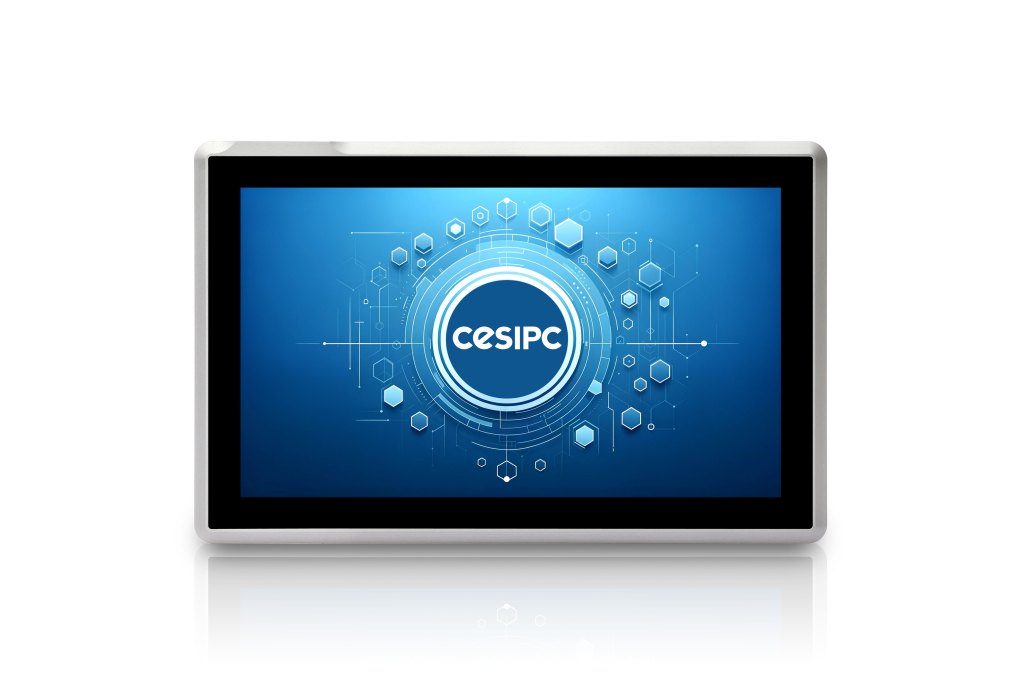
Panel PC
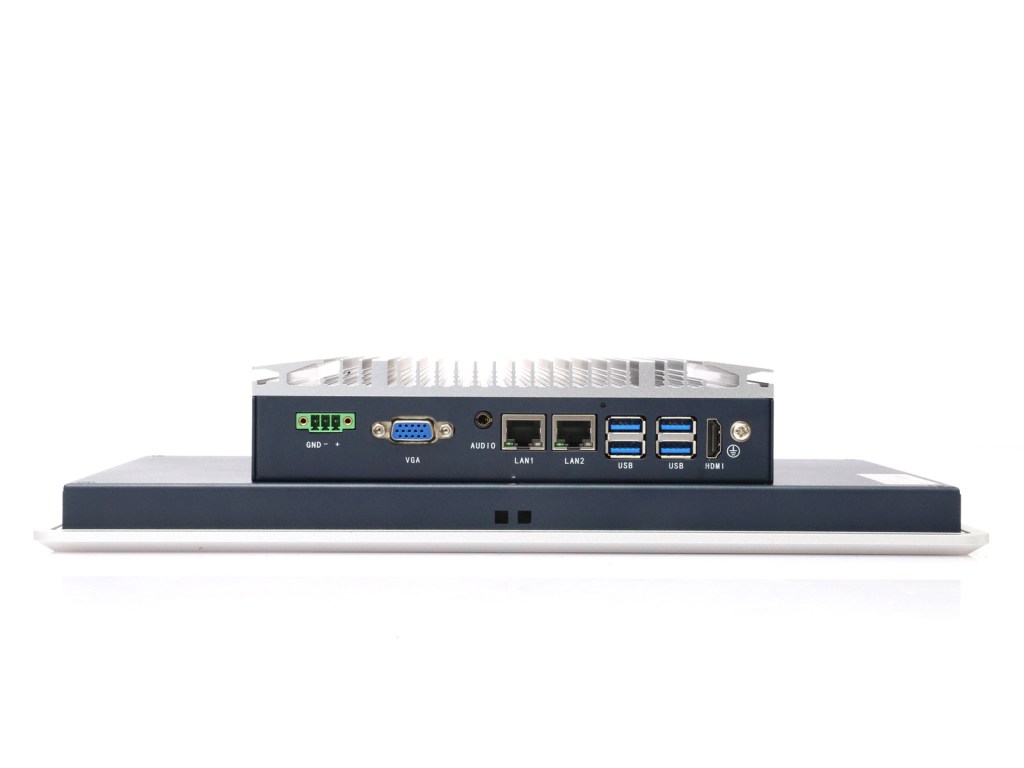
Monitor + PC
Pip: So the display you bolt to a cabinet wall has no brain inside it, the Panel PC has everything integrated, and the HMI is its own category — closer to a dedicated operator terminal than a general-purpose computer.
Mara: Right, and the post is careful about HMIs specifically. A traditional HMI is not a full Windows computer. It connects to a PLC or control system and handles operator interaction — starting and stopping machines, viewing status, monitoring production data — but it doesn’t run arbitrary software the way an IPC does.
Pip: Which matters the moment your application needs more than button-pushing.
Mara: On the IPC side, the post lists what makes these machines industrial-grade: fanless cooling, wide voltage input, industrial-grade SSD storage, multiple serial ports, and 24/7 continuous operation capability. That’s the hardware profile that lets them run on a factory floor rather than a desk.
Pip: “Industrial PC” and “Industrial Computer,” by the way, are the same thing — the post notes that Europe and Asia tend to say Industrial PC, North America says Industrial Computer, and engineers just say IPC.
Mara: The Panel PC is where the integration argument gets practical. Because the display, CPU, RAM, storage, and OS are all inside one enclosure, installation is simpler and wiring is reduced. The post lists typical applications: MES terminals, factory dashboards, warehouse management systems, machine control stations, and industrial IoT.
Pip: One enclosure, one cable run, one headache instead of several.
Mara: The post closes with a decision guide. If you already have a display and need flexibility, go IPC. If you only need a screen, go Industrial Monitor. If you need both computer and touchscreen in a tight space, go Panel PC. If your application is purely machine operation via PLC, an HMI is enough.
Pip: Industrial computing, it turns out, is less about exotic hardware and more about knowing which box to put where.
Mara: And having the vocabulary to ask for it correctly.
Pip: Naming things properly turns out to be most of the battle in industrial hardware selection.
Mara: Once the terminology is clear, the application drives the decision — and the right device is usually more obvious than the catalog makes it look.
Talk to a CESIPC Engineer
Our application engineers are ready to help you select the right configuration, discuss ODM requirements, or provide a tailored quotation for your project.
Typical response within 24 hours · Multilingual support · CE / FCC / BIS compliant


We use your details only to answer this enquiry — no newsletters, no sharing. Drawings or a photo of the existing panel can be sent to sales@cesipc.com.