



–Episode 10–


My old impression of HMI was simple:
It’s the screen—shows positions, lets you press buttons, and displays alarms.
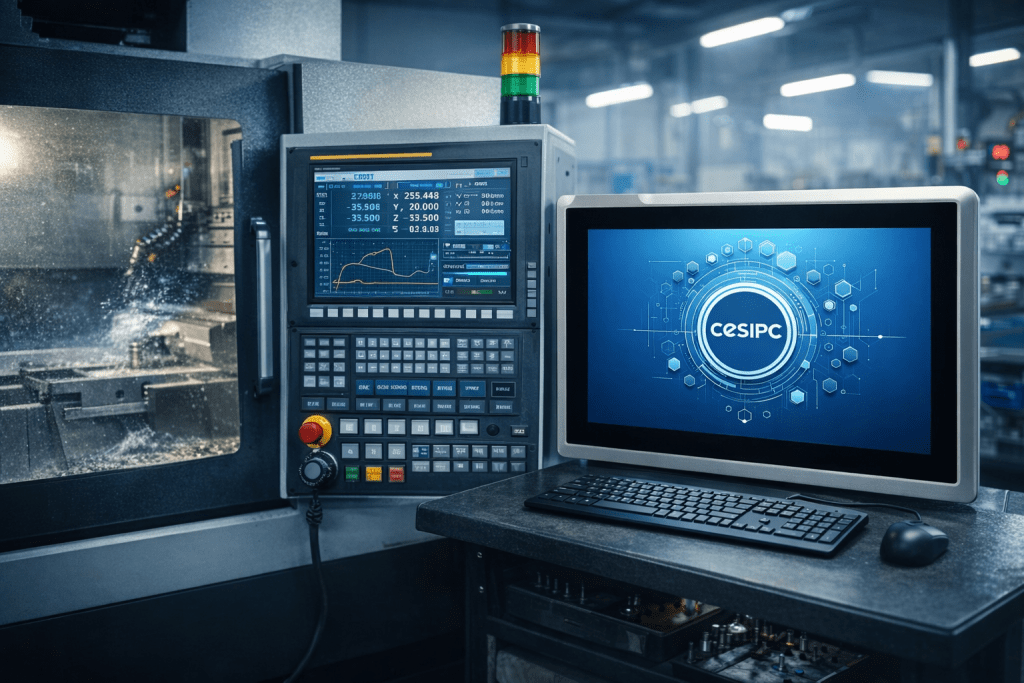
But after breaking the CNC system down today, I realized HMI has at least two faces:
- For operators: it’s a user interface (UI) for running jobs, offsets, and alarms
- For engineers/maintenance: it’s a portal that ties together status, parameters, logs, permissions, and diagnostics
So my takeaway today is closer to this:
HMI looks like an interface, but in practice it’s a key part of overall system usability.
1) HMI Is Not the CNC Kernel—But It Shapes What You Think CNC Is
The CNC kernel does the hard real-time work: interpolation, look-ahead, axis commands, motion control.
HMI usually doesn’t perform those real-time calculations—but it strongly affects three things that matter on the shop floor:
- Whether setup is done correctly
- How fast problems can be diagnosed
- Whether experience becomes traceable knowledge (instead of tribal memory)
A lot of “this machine feels unstable” isn’t motion control failure. It’s often:
poor visibility, messy alarms, untraceable parameter changes, and confusing maintenance access—which forces people to guess.
2) What HMI Really Manages on the Shop Floor (4 Must-Have Areas)
A) Operation + Visualization
Positions, feed/spindle, program block, cycle status, tool data, I/O states—basic, but must be clear and stable.
B) Parameters + Recipes
Offsets, work coordinates, macro variables, process parameters, permissions, version records.
Good HMI makes changes visible and traceable. Bad HMI creates “who changed this?” chaos.
C) Alarms + Event Timeline
An alarm shouldn’t be “just a popup.” It’s the system speaking.
Useful HMI helps categorize alarms (servo/limit/lube/temp/door/air) and keeps a timeline for review.
D) Maintenance + Engineering Entry
This was the biggest point today:
HMI is often the entry point for diagnostics and maintenance—diagnostic pages, I/O monitor, axis traces, servo status, log export, backup/restore.
This is why people say: HMI isn’t only display—it’s the gateway for engineering and maintenance.
3) Why Some People Call HMI a “Control Core”
Strictly speaking, HMI shouldn’t replace the CNC kernel or compete with real-time control.
But on the shop floor, “control” isn’t only about moving axes—it’s also about:
- can the machine run stably over long hours?
- can you locate issues quickly when something goes wrong?
- can shifts hand over without losing context?
- can data be logged and traced?
- can the system be maintained and upgraded safely?
From that perspective, HMI influences manufacturing controllability, which is why it often feels “core.”
4) Where CESIPC Fits Naturally: Why HMI Often Needs an Industrial PC Platform
Once I started treating HMI as a long-running management portal, it became obvious why many CNC machines use a Panel PC / Industrial PC to host that layer—because it’s the part that must stay reliable 24/7 in real shop-floor conditions.
A Panel PC / Industrial PC is not just about displaying data; it serves as the core control platform for HMI, handling system management, logging, and diagnostics, ensuring long-term stability and smooth operation. CESIPC industrial PCs fit into this role naturally—because these systems are designed for:
- continuous online management
- handling heavy-duty I/O and data processing
- ensuring long-term operation even in harsh environments like dust, oil mist, and EMI
In this sense, the Panel PC becomes the central platform that keeps all the HMI functions running smoothly, ensuring the entire CNC system remains visible, manageable, and traceable. This is where the CESIPC industrial PCs are critical in supporting HMI + logging + traceability + system maintenance—providing the “always-on” stabilityneeded for reliable and efficient CNC operations.
Day 10 Wrap-Up (Notes to My Future Self)
- HMI isn’t the CNC kernel, but it decides whether the system is easy to use and easy to manage
- HMI value = visualization, parameter control, alarm traceability, maintenance access
- Many “mystery problems” exist because there’s no logging and no traceable change history
- CESIPC industrial PCs help stabilize the HMI layer as a reliable, always-on foundation
Contact CESIPC Team


